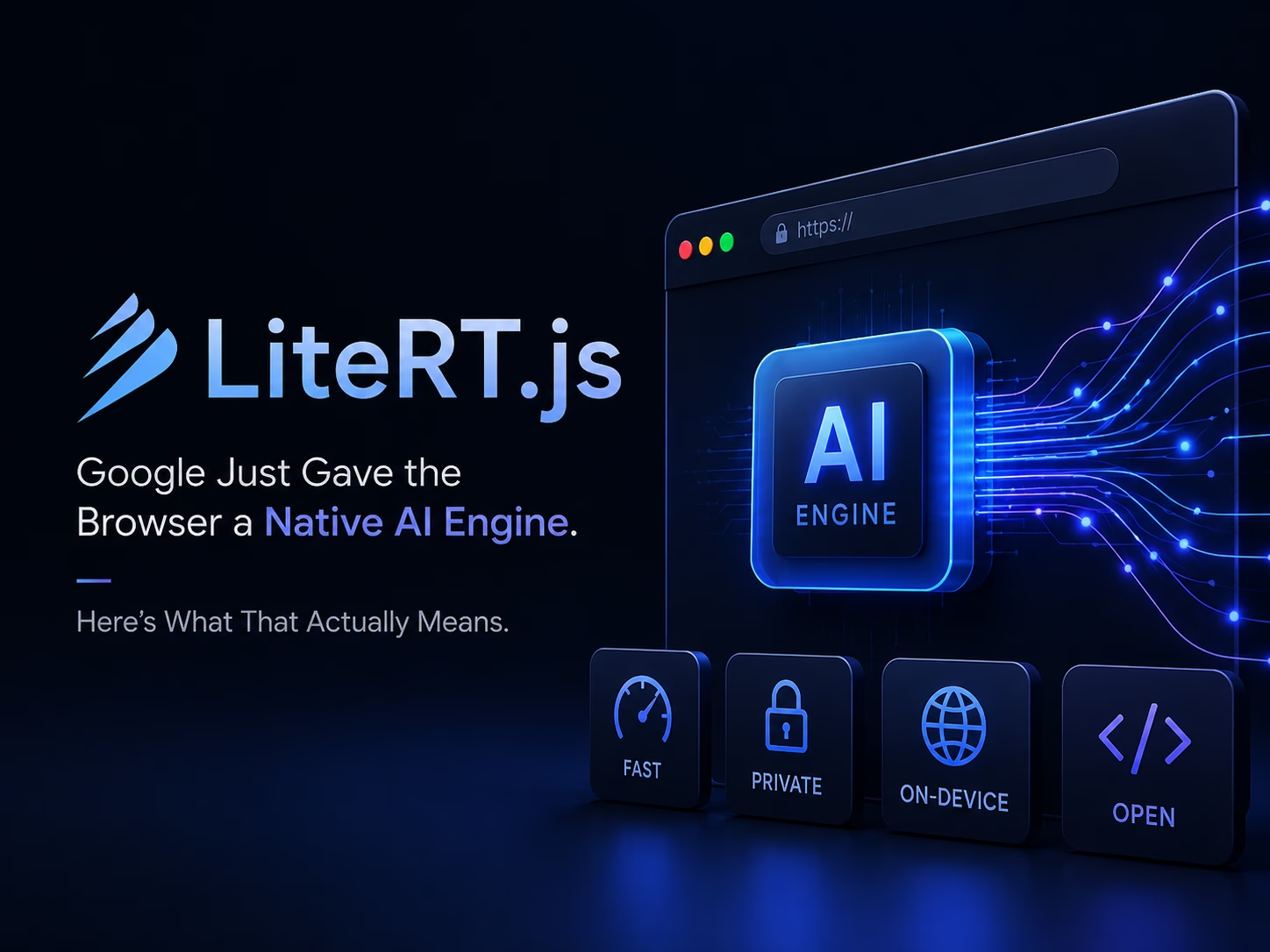
For years, running a genuinely fast AI model in the browser meant accepting a trade-off: either you shipped the model off to a server and ate the latency, cost, and privacy risk, or you ran it client-side and accepted that JavaScript-based inference was always going to feel like the “budget” option next to native mobile apps. On July 9, 2026, Google quietly closed that gap. LiteRT.js brings the same native, hardware-accelerated runtime that already powers on-device AI across billions of Android and iOS devices directly into the browser — no server round-trip, no compromise.
That’s a genuinely big deal for anyone building on the web. This isn’t a new framework bolted onto old foundations; it’s Google’s production LiteRT stack — the direct successor to TensorFlow Lite — compiled to WebAssembly and wired up to WebGPU and the emerging WebNN standard. In this article, we’ll break down exactly what LiteRT.js does, how it stacks up against what came before it, how to actually use it, and where it still has rough edges worth knowing about before you build on it.
What Is LiteRT.js, Exactly?
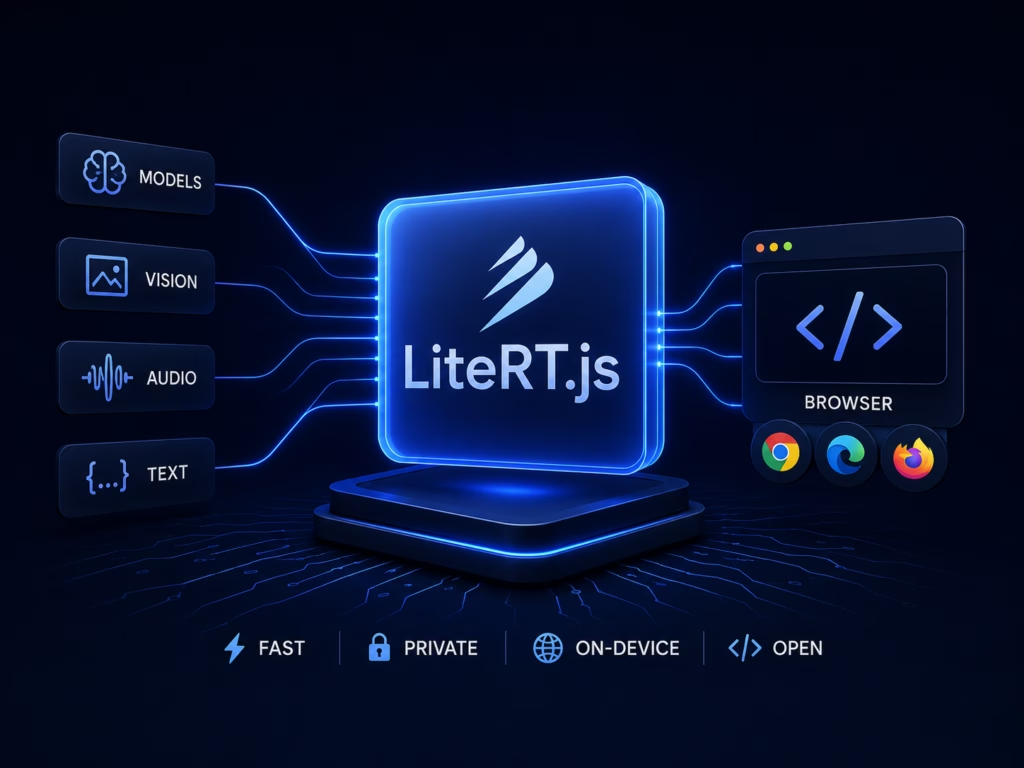
LiteRT.js is a JavaScript binding of LiteRT — Google’s trusted, cross-platform on-device inference engine — built specifically for running AI models inside web browsers. According to Google’s own announcement, it’s designed to bring “maximum performance entirely locally,” meaning your AI model runs on the user’s actual device rather than a remote server.
The significance here is architectural, not incremental. Google’s previous first-party browser ML option, TensorFlow.js, implemented its computational kernels in JavaScript and older WebGL-era abstractions — functional, but never as fast as a true native runtime. LiteRT.js throws that layer out entirely and brings the same optimized, production-grade runtime already running on Android, iOS, and desktop straight to the web via WebAssembly. One unified runtime, every platform — including, now, the browser.
That unification isn’t just a tidy engineering story — it has a direct practical benefit: because LiteRT.js shares its core stack with mobile and desktop LiteRT, web apps automatically inherit performance upgrades, quantization improvements, and hardware optimizations that Google’s mobile team ships, without you having to lift a finger.
Why This Actually Matters for Web Developers
Three benefits fall directly out of running inference natively, locally, in-browser:
- Enhanced user privacy — data never has to leave the user’s device to be processed by a model, which matters enormously for anything touching sensitive images, documents, or personal data.
- Zero server costs — no GPU inference bill, no scaling headaches for AI features under heavy traffic, since the compute happens on the visitor’s own hardware.
- Ultra-low latency — real-time experiences like live object detection, audio transcription, or image editing become genuinely responsive without a network hop.
For developers who already have .tflite models deployed on mobile, LiteRT.js also means your model doesn’t need a separate web-specific conversion pipeline — deployment to the browser becomes a natural extension of work you may have already done for Android or iOS.
Core Features Under the Hood
1. PyTorch conversion and tailored quantization
Using LiteRT Torch, PyTorch models convert to the .tflite format in a single step, immediately ready to take advantage of browser-based hardware acceleration. For teams that need to squeeze models down further, the AI Edge Quantizer lets you configure custom quantization schemes on a per-layer basis — shrinking model size and boosting speed while trying to preserve output quality.
2. Native hardware acceleration across CPU, GPU, and NPU
This is the heart of LiteRT.js’s performance story, and it targets three distinct hardware tiers:
- CPU — powered by XNNPACK, Google’s highly optimized CPU acceleration library, with multi-threading and a relaxed SIMD build.
- GPU — powered by ML Drift, Google’s on-device GPU acceleration solution, surfaced to the browser through the WebGPU API.
- NPU — targets dedicated neural processing units through the emerging WebNN API, currently experimental in Chrome and Edge.
3. Multi-framework compatibility
LiteRT.js compiles natively from PyTorch, JAX, or TensorFlow, meaning teams aren’t locked into a single training framework just to get browser deployment.
4. Drop-in compatibility with existing TensorFlow.js pipelines
If you already have a TensorFlow.js pipeline handling pre- and post-processing, you don’t need to rip it out. LiteRT.js can accept TensorFlow.js Tensors directly as inputs and return them as outputs, so you can swap out just the inference engine while keeping the rest of your data pipeline intact.
The Benchmarks: How Much Faster, Really?
Google’s own published benchmarks (run on a 2024 MacBook Pro with M4 silicon in a controlled browser environment) report that LiteRT.js outperforms other web runtimes by up to 3x across both CPU and GPU inference on classical computer vision and audio processing models. Push further into GPU or NPU territory via WebGPU or WebNN, and the gains grow dramatically — Google reports 5–60x speedups compared to standard CPU execution for demanding real-time tasks like object tracking, audio transcription, and image manipulation.
Google is upfront that individual results will vary based on the user’s own GPU, thermal conditions, and browser driver optimization — worth keeping in mind before quoting these numbers as a guarantee to stakeholders, but the directional story is clear: moving inference off the CPU and onto GPU/NPU backends is where the real performance unlock lives.
How Does It Compare to What Came Before?
LiteRT.js vs. TensorFlow.js
This is the comparison Google itself leans into hardest, and for good reason — TensorFlow.js has been the default first-party option for browser-based ML for years, but it shows its age in two specific ways:
| TensorFlow.js | LiteRT.js | |
|---|---|---|
| Kernel implementation | JavaScript / WebGL-era abstractions | Native runtime compiled to WebAssembly |
| PyTorch conversion path | PyTorch → ONNX → TensorFlow → TensorFlow.js | PyTorch → LiteRT (.tflite) directly |
| GPU acceleration | WebGL-based | WebGPU via ML Drift |
| NPU support | None | WebNN (experimental) |
| Shares stack with mobile/desktop | No | Yes — same runtime as Android/iOS/desktop LiteRT |
| Migration effort from TF.js | — | Can reuse existing TF.js pre/post-processing pipeline |
The conversion path difference is arguably the more practically important one. Getting a PyTorch model into TensorFlow.js historically meant a four-hop conversion chain — PyTorch to ONNX to TensorFlow to TensorFlow.js — with real opportunities for operator mismatches and precision drift at every hop. LiteRT.js collapses that into a single, direct conversion step.
LiteRT.js vs. ONNX Runtime Web
It’s worth being clear-eyed that LiteRT.js isn’t the only serious option for browser-based inference — ONNX Runtime Web, Microsoft’s browser-targeted runtime, has its own established niche, particularly for teams already standardized on the framework-agnostic ONNX format or building lightweight browser extensions. The practical difference comes down to ecosystem gravity: ONNX Runtime Web plays well across many source frameworks and hardware execution providers, while LiteRT.js’s advantage is depth of integration with Google’s own stack — same runtime as Android and iOS, native PyTorch conversion, and direct alignment with Google’s own model releases like Gemma and EmbeddingGemma. Teams already invested in Google’s broader AI Edge ecosystem will find LiteRT.js the more natural fit; teams prioritizing framework-agnostic portability may still prefer ONNX Runtime Web for certain use cases.
Getting Started: A Simple, Working Example
Here’s the fastest path to running your first model with LiteRT.js, based on Google’s official documentation.
Step 1: Install the package
npm install @litertjs/core
The WebAssembly files ship inside node_modules/@litertjs/core/wasm/. You’ll need to serve this folder from your own server (or load it from a CDN).
Step 2: Load the runtime
import { loadLiteRt } from '@litertjs/core';

// Option A: Load from a CDN
await loadLiteRt('https://cdn.jsdelivr.net/npm/@litertjs/core/wasm/');

// Option B: Host the wasm/ folder yourself
await loadLiteRt('your/path/to/wasm/');
Step 3: Load, compile, and run a model
import { loadAndCompile, Tensor } from '@litertjs/core';

// Load your .tflite model with GPU acceleration
const model = await loadAndCompile('/path/to/model.tflite', {
  accelerator: 'webgpu', // Options: 'webgpu', 'webnn', or 'wasm'
  // Unsupported ops on webgpu/webnn automatically fall back to CPU
});

// Prepare your input tensor (example: a 224x224 RGB image)
const image = new Float32Array(224 * 224 * 3).fill(0);
const inputTensor = new Tensor(image, [1, 3, 224, 224]);

// Run inference
const outputs = await model.run(inputTensor);

// Clean up and read the result
inputTensor.delete();
const output = outputs[0];
const outputData = await output.data();
output.delete();
That’s the entire flow — load the runtime once, compile your model against a chosen accelerator, and run inference with plain typed arrays. If you’re converting a PyTorch model for the first time, the Python-side conversion is similarly compact:
import litert_torch
import torchvision, torch

resnet18 = torchvision.models.resnet18(torchvision.models.ResNet18_Weights.IMAGENET1K_V1)
sample_inputs = (torch.randn(1, 3, 224, 224),)

edge_model = litert_torch.convert(resnet18.eval(), sample_inputs)
edge_model.export('resnet.tflite')
From there, that resnet.tflite file is exactly what you’d load with loadAndCompile in the browser snippet above.
See It in Action: Real Demos
Google’s launch showcased several genuinely impressive real-world implementations, all running client-side:
- YOLO26 object detection, via an official LiteRT export integration built directly into Ultralytics — real-time object detection running entirely in-browser.
- Monocular depth estimation, turning a webcam feed into a live, interactive 3D point cloud using the Depth-Anything-V2 model over WebGPU.
- 4x image upscaling, using the Real-ESRGAN model to upscale image patches directly in the browser.
- In-browser vector search, powered by Google’s EmbeddingGemma model — genuinely useful for building semantic search features with zero backend calls.
These aren’t toy demos — they represent exactly the kind of latency-sensitive, privacy-conscious feature set (real-time vision, on-the-fly document processing, local search) that previously required either a server round-trip or a noticeably slower client-side fallback.
Pros and Cons
Pros
- Genuinely faster. Up to 3x over other web runtimes, and up to 60x when moving demanding tasks from CPU to GPU/NPU.
- Real privacy and cost wins. Inference happens entirely on the user’s device — no data leaves the browser, and there’s no server-side inference bill.
- A dramatically simpler PyTorch conversion path. One step instead of the old four-hop PyTorch → ONNX → TensorFlow → TensorFlow.js chain.
- Inherits improvements for free. Because it shares a stack with mobile and desktop LiteRT, the web runtime benefits from optimizations Google didn’t even build specifically for the browser.
- Doesn’t force a rewrite. Existing TensorFlow.js pre/post-processing pipelines can stay in place; you can swap out just the inference layer.
- Backed by a proven runtime. This isn’t unproven technology — it’s the same engine already running production ML on billions of mobile devices.
Cons
- It’s brand new. Launched July 9, 2026 — expect a smaller community, fewer Stack Overflow answers, and rougher edges than a runtime that’s been battle-tested for years.
- NPU support is experimental. WebNN currently only works in Chrome and Edge, and GPU/NPU operator coverage still lags behind the CPU backend, meaning some models will silently fall back to
wasm. - Tensor input/output is currently limited to
int32andfloat32types. - Very large models can hit WebAssembly memory limits, which is worth testing for early rather than discovering in production.
- The ecosystem is unmistakably Google-shaped. Best-in-class support naturally goes to Google’s own models (Gemma, EmbeddingGemma); non-Google models may take more conversion effort to get running smoothly.
- You still need a conversion step. Teams without any Python/PyTorch conversion experience will have a small learning curve before they get to the browser-side code shown above.
What’s Next for LiteRT.js
Google has said its roadmap centers on two things: deepening WebNN integration for genuine native NPU performance, and delivering optimized support for on-device generative AI. That second point is already taking shape — LiteRT-LM.js adds browser support for running LLMs directly through a dedicated JavaScript API, extending the same “no server required” philosophy to generative AI, not just classical vision and audio models.
For teams building today, pretrained .tflite models are already available on Kaggle and the LiteRT Hugging Face community, and the full LiteRT.js documentation covers everything from installation to advanced TensorFlow.js migration.
Conclusion: A Genuine Turning Point for Browser AI
LiteRT.js isn’t just another JavaScript ML library entering an already crowded field — it’s Google bringing its actual production inference engine, the one already running on billions of phones, directly to the web platform. For developers, that translates into something rare in this space: a client-side AI runtime that doesn’t ask you to compromise between performance and simplicity. The direct PyTorch conversion path alone removes years of accumulated conversion pain, and the performance ceiling — up to 60x faster on the right hardware — opens up real-time, privacy-preserving experiences that simply weren’t practical in the browser before.
It’s still a version-one product, and the rough edges are real: experimental NPU support, a Google-centric model ecosystem, and the general growing pains of any brand-new runtime. But the direction is unmistakable. If you’re building anything that touches vision, audio, or on-device intelligence on the web, LiteRT.js deserves a serious look — and given Google’s own roadmap toward generative AI support, it’s likely to become considerably more capable in a fairly short window.
Sources
- LiteRT.js, Google’s high performance Web AI Inference — Google Developers Blog, July 9, 2026
- LiteRT for Web with LiteRT.js — Documentation — Google AI Edge
- LiteRT.js Get Started Guide — Google AI Edge
- @litertjs/core on npm — Google
- LiteRT Torch (PyTorch converter) — Google AI Edge on GitHub
- AI Edge Quantizer — Google AI Edge on GitHub
- LiteRT-LM.js — Google AI Edge on GitHub
LiteRT.js launched days before this article was written — version numbers, browser support for WebNN, and benchmark figures are likely to evolve quickly, so it’s worth a quick check against the official docs before publishing.