Most AI assistants forget you the moment you close the tab. You explain your project context on Monday, and by Thursday you’re explaining it all over again. Hermes Agent, the open-source project from Nous Research, was built specifically to break that cycle — an agent that lives across every app you already use, remembers how it solved your last problem, and quietly gets better at helping you every single week.
It launched in February 2026 and grew fast enough to become one of the most talked-about open-source agent frameworks of the year, reportedly crossing 95,000 GitHub stars within its first seven weeks, according to a detailed review from TokenMix. What makes it genuinely interesting isn’t just the speed of adoption — it’s the design philosophy. Where most agent tools execute a task and forget it happened, Hermes documents how it solved something, turns that into a reusable skill, and applies it automatically the next time a similar task comes up. It’s also refreshingly honest about cost: you can run the whole thing for exactly $0, forever, if you’re willing to point it at a model on your own machine.
Let’s get into what it actually does, how the self-learning piece works, how it connects to both paid cloud AI and completely free local models, and where it genuinely falls short.
What Is Hermes Agent, Exactly?
Hermes Agent is an open-source, MIT-licensed AI agent built by Nous Research — the same lab behind the Hermes family of open-weight language models. It ships as a native desktop app for macOS, Windows, and Linux, alongside a full terminal/CLI experience for anyone who prefers living in a shell. Unlike a chatbot you open, ask something, and close, Hermes runs as a persistent process — closer to a digital employee with a memory than a search box with a personality.
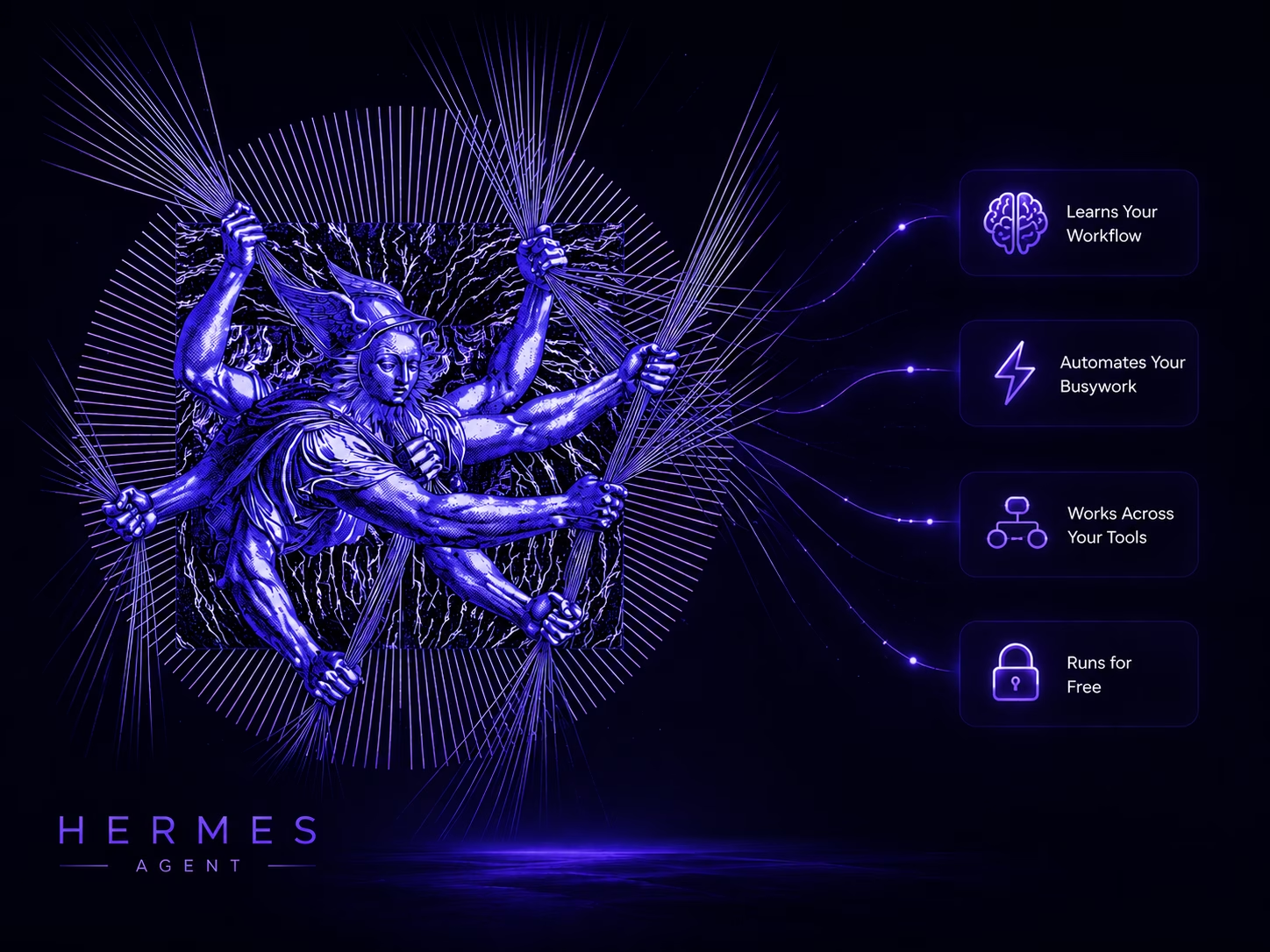
The pitch, in Nous Research’s own words, is “the agent that grows with you,” and the six features highlighted on its official site do a good job of explaining what that means in practice:
- Lives Everywhere — one agent, one memory, reachable through Telegram, Discord, Slack, WhatsApp, Signal, email, and the CLI, with more platforms added regularly.
- Persistent Memory — it learns your projects, auto-generates its own reusable skills, and never forgets how it previously solved a problem.
- Focused Automation — natural-language scheduling for recurring reports, backups, and briefings that run unattended in the background.
- Tasks Multiplied — isolated subagents that get their own conversations, terminals, and scripts, so complex jobs can be delegated without bloating the main conversation’s context.
- Browse the Web — built-in web search, browser automation, vision, image generation, text-to-speech, and multi-model reasoning.
- Isolated Sandboxing — five different execution backends (local, Docker, SSH, Singularity, Modal) with container hardening, so the agent’s shell commands don’t have free rein over your actual machine.
That combination — omnipresence, memory, and sandboxing — is really the whole thesis of the project in three words.
The Self-Learning Engine: Where the “Hours Saved” Claim Comes From
This is the feature that separates Hermes from a typical agent framework, and it’s worth understanding properly because it’s the part that actually saves you real time.
Every time Hermes successfully completes a task, it can turn that solution into a skill — a human-readable file it stores and reuses automatically the next time a similar request comes in. Instead of re-figuring out how to, say, generate a weekly sales report from three different data sources every single time you ask, it writes that process down once and simply executes it faster on every future occurrence. According to Nous Research’s own benchmarking, cited in TokenMix’s review, agents that have accumulated 20 or more self-created skills complete similar future tasks roughly 40% faster than a fresh instance starting from scratch. That’s not a vague marketing number — it’s the concrete, measurable version of “saves you hours,” and it compounds the longer you actually use the tool.
There’s an honest caveat worth repeating here, because it matters for setting expectations: skill learning is domain-specific. A skill Hermes builds for summarizing GitHub pull requests won’t transfer to planning a database migration. It gets faster at things it’s already done, not smarter in a general sense — which is a genuinely different (and more achievable) promise than the “AGI is learning everything” framing some other tools lean on.
You can also browse, search, and manually install skills from a curated hub (hermes skills browse, hermes skills search, hermes skills install), each one automatically becoming a slash command in every conversation. Nous currently ships around 118 curated, security-scanned skills out of the box — a smaller number than rival open-source agent OpenClaw’s community-driven catalog of several thousand, but a deliberately tighter one. That trade-off shows up directly in security posture: reviewers have pointed to OpenClaw’s much larger, loosely-reviewed skill ecosystem as the source of a notably higher rate of reported vulnerabilities, while Hermes’ curated approach trades ecosystem breadth for a smaller attack surface.

Connecting Hermes to AI Providers — Paid, Bundled, or Completely Free
This is where Hermes genuinely stands out from most agent tools, which usually lock you into one AI provider. Hermes supports a remarkably long list of them — OpenRouter, OpenAI, Anthropic, Google Gemini, DeepSeek, xAI, MiniMax, Alibaba, Kimi/Moonshot, GLM, Azure, AWS Bedrock, Hugging Face, and a generic “custom” option that works with literally any OpenAI-compatible endpoint — according to the official provider documentation. You choose interactively with a simple hermes model command, and you can switch providers mid-project without losing your setup.
Option 1: Nous Portal (the convenient, bundled route)
For people who don’t want to juggle API keys from five different companies, Nous Research offers Nous Portal — a single subscription that unlocks 300+ models (Claude, GPT, Gemini, DeepSeek, Qwen, and more) plus a bundled Tool Gateway for web search, image generation, text-to-speech, and browser automation, all behind one OAuth login. As of this writing, Portal’s tiers are:
| Plan | Price | Monthly credit |
|---|---|---|
| Free | $0/mo | Evaluation-only, pay-as-you-go |
| Plus | $20/mo | $22 credit |
| Super | $100/mo | $110 credit |
| Ultra | $200/mo | $220 credit, highest rate limits |
This is the fastest path to a fully capable agent — one login, no key management, and access to essentially every major frontier model on the market.
Option 2: Bring your own API key
If you already pay for OpenAI, Anthropic, or Gemini directly, you can point Hermes straight at those APIs and skip Portal entirely. This is the more familiar “pay per token” route and works exactly like using those providers anywhere else.
Option 3: 100% free, fully local, with Ollama
Here’s the part that genuinely delivers on “free of cost.” Hermes treats Ollama as a first-class provider. Run a model locally, and Hermes talks to it through Ollama’s OpenAI-compatible endpoint — no API key, no cloud bill, no data ever leaving your machine. A basic local setup looks like this:
ollama pull qwen3.5:35b
ollama serve

# In Hermes:
hermes model
# Select "Ollama (127.0.0.1:11434/v1)"
# Model: qwen3.5:35b
Once that’s configured, inference is genuinely free — the only ongoing cost is electricity. That’s a real, meaningful difference from every subscription-based AI assistant on the market.
One important gotcha worth knowing up front: Hermes requires a minimum context window of 64,000 tokens for reliable agentic tool use — the system prompt, tool schemas, and working memory simply need that much room, and Hermes will refuse to start with anything smaller. Ollama, however, defaults to a much smaller context window out of the box, so you’ll need to explicitly raise it (--num_ctx 65536 or the equivalent config setting) before Hermes will accept the connection.
If you’ve experimented with running Hermes against a smaller local model like Gemma 3n before and found it replying conversationally instead of actually calling tools, that’s a well-documented pattern rather than a bug in your setup specifically — Nous’ own troubleshooting docs note that smaller models frequently make “weak or dumb tool decisions” and will sometimes skip a needed call entirely. Community benchmarking from Local AI Master points to Nous’s own Hermes 4.3 36B (built on a Seed-OSS-36B base, needing roughly a 24GB GPU) as the strongest fully local option for reliable tool-calling, with Qwen3 14B as a solid, more attainable choice on a single 12–16GB card. It’s also worth noting that model-list caching bugs that affected earlier versions have since been resolved — Hermes has moved well past v0.18.2 at this point, so a fresh install should behave more predictably than it might have a few months ago.
What It Actually Costs (Even the “Free” Version)
To be fully transparent about the economics: the Hermes framework itself is completely free under the MIT license — no enterprise tier, no usage caps, and you can even use it commercially without paying Nous Research anything. Your real costs, if any, come from three optional places:
- Cloud AI provider usage — if you use frontier models via Nous Portal or your own API keys, independent cost analysis puts a typical complex agent task at around $0.30 using budget-tier models, with a fairly high fixed overhead per call (tool definitions alone can account for roughly half of that), according to breakdowns published by both TokenMix and Hostinger’s own Hermes Agent cost guide.
- Optional always-on hosting — if you want Hermes running 24/7 on a server rather than your own laptop, a minimal VPS (1 vCPU, 1–2GB RAM) typically runs $5–10/month from providers like Hetzner or DigitalOcean.
- Local inference — genuinely $0 in ongoing costs if you’re running a model through Ollama on hardware you already own.
Compared to a flat $20/month ChatGPT Plus or Claude Pro subscription, a lean Hermes setup running on cheap or local models can end up cheaper — though a heavy, frontier-model-only setup can also end up costing more, since you’re paying by the token rather than a flat fee. Your mileage genuinely depends on how you configure it.
The Honest Pros and Cons
Pros
- Actually free, with no strings. MIT-licensed, no usage caps, no feature gating, and a genuine $0/month path via local models.
- Real self-learning, not just marketing language. The skills system produces a measurable, compounding speed-up on repeat tasks.
- Extraordinary provider flexibility. Twenty-plus supported providers, from every major cloud AI lab to any self-hosted OpenAI-compatible server, with easy switching and fallback chains.
- Omnipresent by design. One agent, one memory, across Telegram, Discord, Slack, WhatsApp, Signal, email, and the CLI — genuinely useful for anyone managing communication across several platforms.
- Security-conscious by default. Sandboxed execution backends and a curated, security-scanned skill catalog give it a noticeably tighter security posture than some larger community-driven alternatives.
- Low barrier to entry now. The native desktop app (added mid-2026) means you no longer need to be comfortable in a terminal just to get started.
Cons
- Self-hosting is real operational work. Managing provider credits, rate limits, fallback routing, and (if you want it always-on) server uptime is genuine ongoing maintenance, not a one-time setup.
- Small local models struggle with tool-calling. To get reliable agentic behavior locally, you generally need at least a mid-size model (14B+) with solid function-calling support — which means real hardware requirements, not something that runs well on a laptop with no dedicated GPU.
- The 64K context minimum trips people up. Ollama’s low default context window is a common first-setup failure point that isn’t obvious until you hit it.
- Smaller skill ecosystem than its closest rival. Roughly 118 built-in skills versus thousands in OpenClaw’s community catalog — you’ll write more of your own custom skills if your use case is unusual.
- Skills don’t generalize across domains. The learning is real, but it’s narrow — don’t expect broad transfer from one type of task to a completely different one.
- Costs can still add up on frontier models. The free path requires local hardware; if you lean entirely on premium cloud models instead, per-task costs and tool-definition overhead are real line items to watch.
Conclusion: Worth Your Time?
Hermes Agent is one of the more thoughtfully designed answers yet to a genuinely annoying problem: AI tools that reset to zero every time you close the app. The self-learning skill system isn’t science fiction — it’s a documented, measurable improvement that compounds the more you actually use the agent, and the sheer breadth of provider support means you’re never locked into one company’s pricing or roadmap. Most compellingly for anyone experimenting with local AI, the Ollama integration means you genuinely can run a capable, persistent, multi-platform AI agent for zero dollars a month — you just need to be willing to work through a real context-window and model-sizing learning curve to get there.
It isn’t the right fit for everyone. If you want a massive plug-and-play skill marketplace or a completely hands-off, zero-maintenance experience, a managed alternative or a bigger community ecosystem might serve you better. But if you’re the kind of person who’s happy to spend an afternoon configuring something once in exchange for years of it quietly getting better at helping you — Hermes Agent is very much worth the afternoon.
Sources
- Hermes Agent — Official Site — Nous Research
- AI Providers — Hermes Agent Docs — Nous Research
- Quickstart — Hermes Agent Docs — Nous Research
- FAQ & Troubleshooting — Hermes Agent Docs — Nous Research
- Hermes Agent Review: Self-Improving AI Agent (2026) — TokenMix
- Run Hermes Agent Locally with Ollama (2026 Setup Guide) — Local AI Master
- Hermes Agent Cost: Real Monthly Pricing and Breakdown — Hostinger
Pricing, version numbers, and skill-catalog sizes for Hermes Agent are evolving quickly as the project matures — worth a quick check against the official docs before publishing if some time has passed since this was written.